LinkedIn Ads can generate a form fill quickly and a customer months later. That gap makes LinkedIn Ads conversion tracking for B2B harder than counting purchases in a short eCommerce journey.
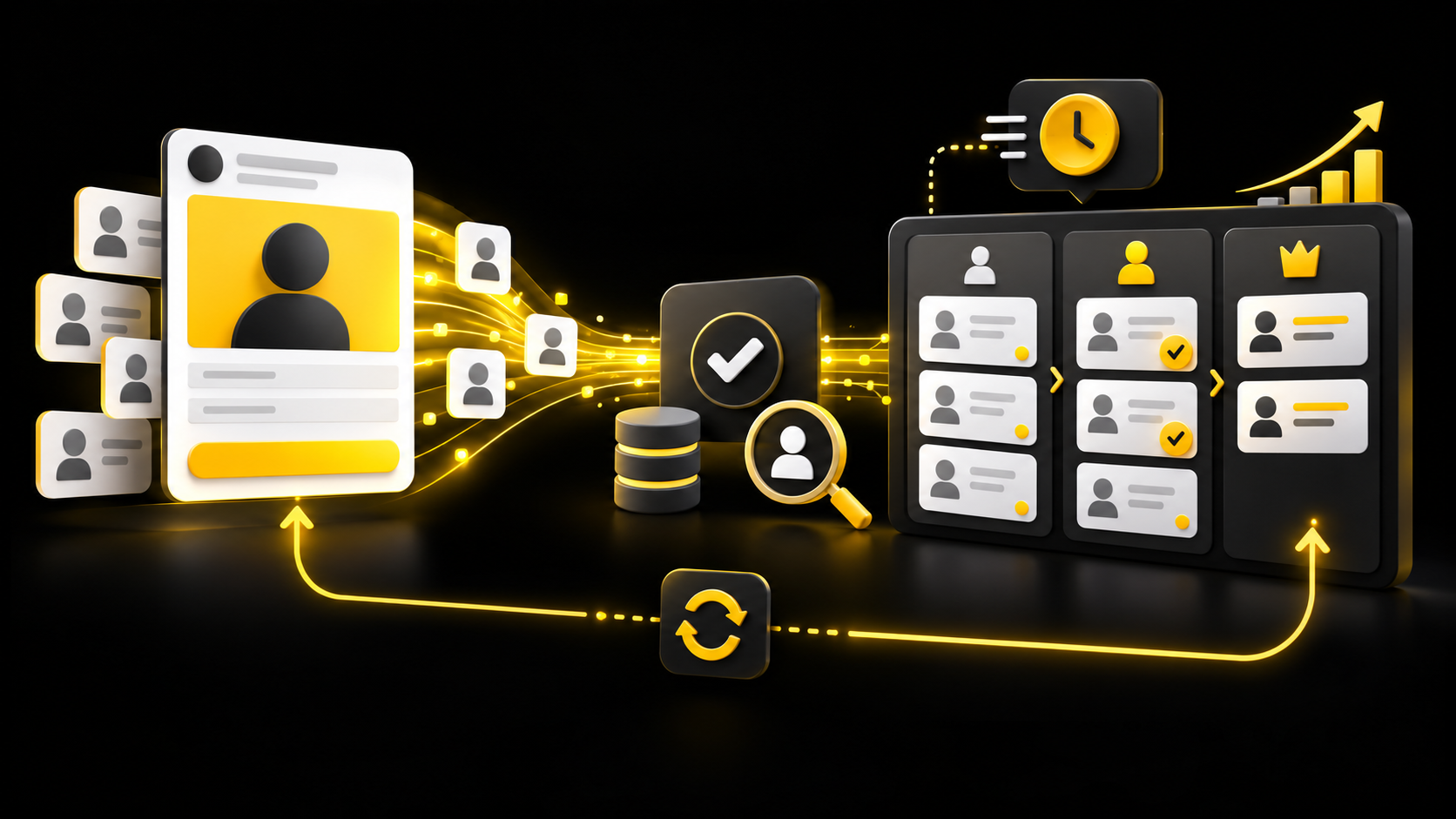
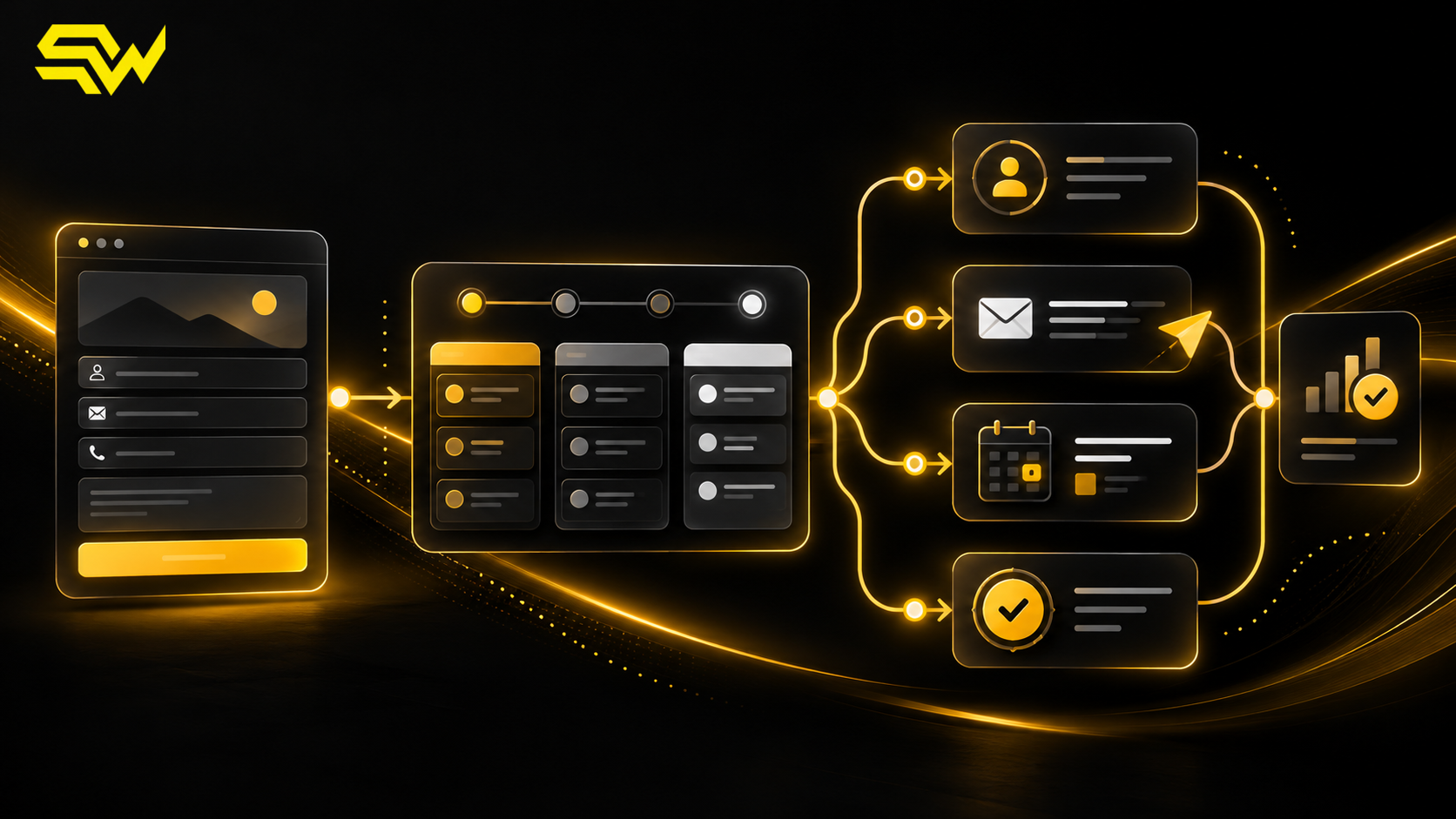
The solution is a measurement chain connecting ad interactions, website actions, CRM stages and revenue—while keeping platform attribution separate from business records.
For US B2B companies, the practical objective is to answer four questions:
- Which campaigns create meaningful actions?
- Which leads become qualified opportunities?
- Which opportunities contribute to pipeline and revenue?
- Where is the data incomplete or only attributed by the ad platform?
Choose conversions that reflect the buying journey
Start by mapping real customer progress rather than every convenient button click.
A useful event ladder might include:
| Funnel stage | Example conversion | Primary system of record |
|---|---|---|
| Interest | Product-page visit or resource download | Website analytics |
| Enquiry | Demo request or LinkedIn Lead Gen Form | CRM |
| Engagement | Meeting booked or attended | CRM or scheduling system |
| Qualification | Sales-accepted lead or opportunity created | CRM |
| Commercial outcome | Proposal, closed-won deal or revenue | CRM and finance |
Not every event should be a campaign optimization goal. A page view may be too weak for bidding, while closed-won deals may occur too rarely or too late. Track several stages, then select the strongest conversion that occurs consistently enough to guide delivery.
That is a recommendation, not a LinkedIn requirement. Your sales cycle, data volume and risk of false qualification should determine the event hierarchy.
Understand the four ways LinkedIn can receive conversion data
LinkedIn's current Conversion Tracking overview lists the Insight Tag, Conversions API, CRM Sync and manual CSV uploads among the available setup methods. They solve different parts of the measurement problem.
Insight Tag: measure website activity in the browser
The LinkedIn Insight Tag is JavaScript placed on the website. LinkedIn says it supports conversion tracking, website retargeting and aggregate audience insights. It is the normal starting point for actions such as a confirmation-page visit or an event fired after a successful form submission.
Install the base tag across appropriate site pages, then define conversion rules for meaningful outcomes. Prefer a confirmed success state over a button click. A visitor can click “Submit” and still encounter validation or server errors.
Consent choices, browser restrictions, tag blockers and implementation mistakes can reduce browser signals. LinkedIn also recommends enhanced conversion tracking as third-party-cookie availability declines.
Conversions API: send online or offline events directly
LinkedIn's conversion tracking guidance recommends adding Conversions API alongside the Insight Tag to send marketing data directly and prepare for changes to cookie-based measurement. This can include events that occur outside the browser, such as a lead becoming qualified in the CRM.
For a hypothetical US cybersecurity software company, a website demo request could be recorded by the Insight Tag. When sales later marks the contact as a qualified opportunity, the CRM or integration can send that later event through Conversions API.
Server-side does not mean unlimited data collection. Send only permitted fields needed for matching and measurement, apply appropriate hashing where required, honor consent and contractual obligations, and restrict access to credentials and event logs. Confirm the exact LinkedIn specification before implementation.
CRM Sync: connect opportunities and revenue
CRM Sync is designed for teams that want LinkedIn reporting to include later sales stages. LinkedIn's Revenue Attribution Report documentation says the report attributes CRM data to LinkedIn ad activity. After a supported CRM connection, eligible users can review measures such as pipeline amount, revenue won and return on ad spend in Business Manager.
Availability, supported CRMs, permissions and field mapping can vary. The report should be treated as a LinkedIn-attributed view, not as a replacement for CRM forecasting or finance records.
Manual conversion upload: a controlled starting option
CSV uploads can be useful when API or CRM integration is not ready. They can also help validate the event map with a limited process before engineering work begins.
Manual files can contain inconsistent dates, duplicates, missing identifiers or delays. Document the owner, fields, timezone, cadence and deduplication rule.
Set conversion windows deliberately
A conversion window determines how long after an ad view or click LinkedIn can attribute a conversion. LinkedIn's current conversion-window documentation lists 1-, 7-, 30- and 90-day options and currently recommends a 90-day click and 90-day view window for most conversions.
That recommendation is platform guidance, not a universal business answer.
Compare the window with your buying cycle. A long window may capture considered B2B decisions, but can include view-through conversions where the ad was only one influence. Separate click-through and view-through results when possible.
Do not compare two periods if the attribution settings changed between them without noting the change. Recent conversions can also arrive later, so the newest reporting period may be incomplete.
Prevent duplicate and inflated conversion counts
If the same successful action is sent from the browser and server, create a documented deduplication approach using LinkedIn's current implementation requirements. Do not assume that two integrations will automatically recognize the same business event.
Audit these common failure points:
- the Insight Tag fires on the form page rather than confirmed success;
- a page refresh records the same conversion again;
- test, employee or spam submissions enter production reporting;
- Conversions API and browser events use inconsistent names or timestamps;
- CRM stages can move backward and resend events;
- several campaigns claim the same revenue under different platform attribution models;
- imported revenue uses the wrong currency or includes unapproved pipeline.
LinkedIn's own Conversions API playbook notes that its conversion tools are not a cross-channel multi-touch attribution solution. Platform conversions explain what LinkedIn can attribute under its rules; they do not prove that LinkedIn was the only cause of a deal.
Build a B2B LinkedIn Ads measurement scorecard
Review delivery, lead quality and commercial outcomes together:
- spend, impressions, clicks and landing-page views;
- form completions and cost per lead;
- booked and attended meetings;
- qualified leads and cost per qualified lead;
- opportunities, pipeline and closed-won revenue;
- click-through versus view-through conversions;
- unmatched, rejected, duplicate or delayed events;
- conversion lag from ad interaction to each CRM stage.
The existing LinkedIn lead generation guide explains account-focused targeting. Measurement should use the same account logic: evaluate whether leads come from suitable companies, not only whether forms are cheap. The CRM follow-up automation guide covers ownership and qualification stages, while the offline conversion tracking guide provides a comparable framework for returning business outcomes to an ad platform.
A practical implementation order
- Define enquiry, meeting, qualified-opportunity and revenue events.
- Install and verify the Insight Tag with consent controls.
- Track confirmed website successes, not unverified clicks.
- Standardize CRM stages, owners and timestamps.
- Add Conversions API, CRM Sync or a controlled manual upload for offline outcomes.
- Document conversion windows, attribution and deduplication.
- Compare Campaign Manager reporting with CRM and finance totals.
The practical takeaway is to optimize toward the strongest trustworthy signal collected consistently. Tracking will not repair weak targeting, creative or follow-up, but it can reveal where the journey breaks.
You can build a free marketing action plan with three priority improvements, recommended channels and practical next steps, plus a free consultation.
Need a clearer connection between LinkedIn Ads, qualified opportunities and revenue? Discuss LinkedIn Ads management and conversion measurement with SW SOFTTECH. Share your CRM, typical sales cycle and current campaign goal so the consultation can focus on the most relevant tracking gaps.
Primary LinkedIn documentation checked October 15, 2026. Product availability, interface labels, eligibility and data requirements can change. Platform attribution does not guarantee incremental revenue or advertising performance.