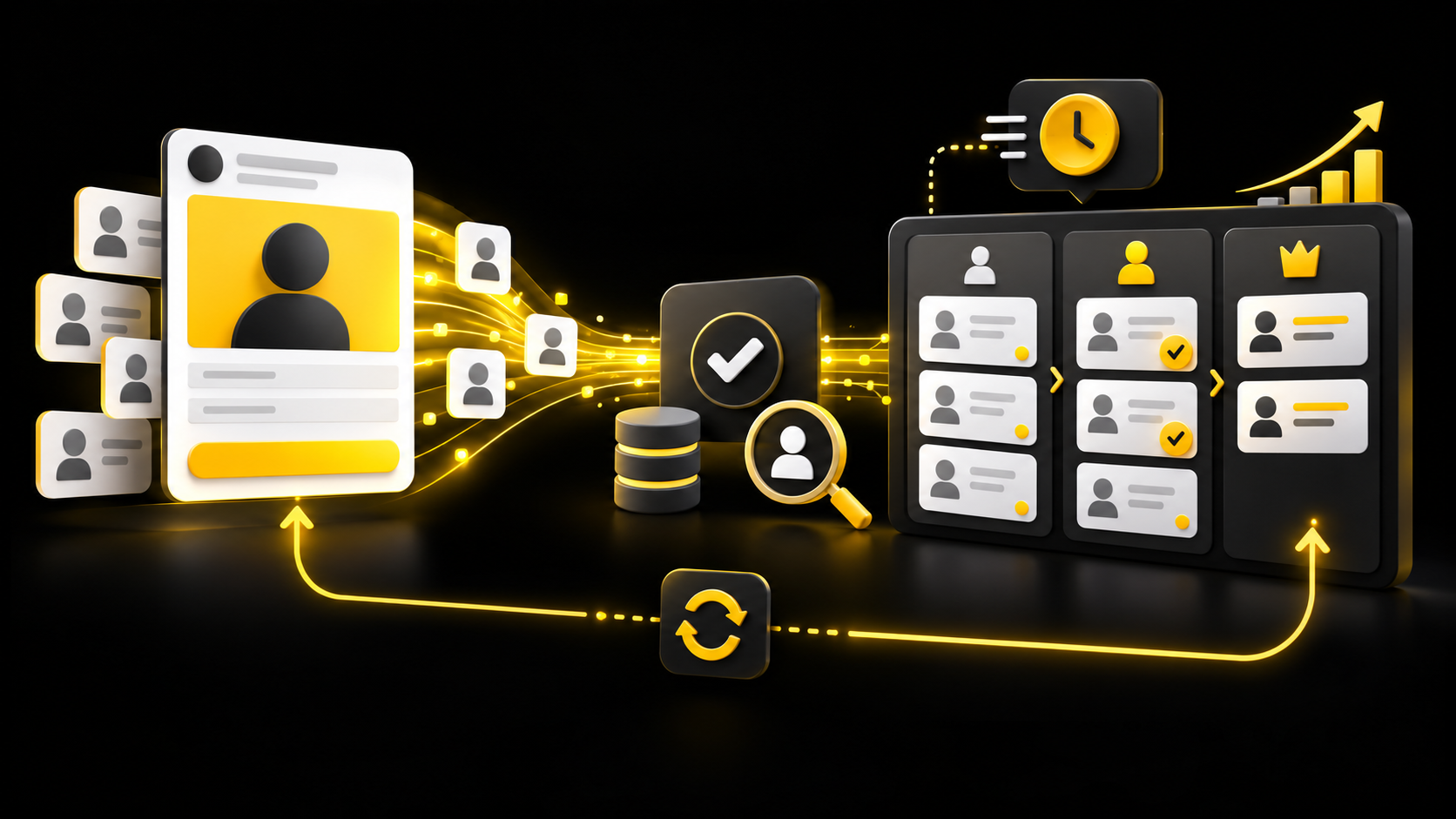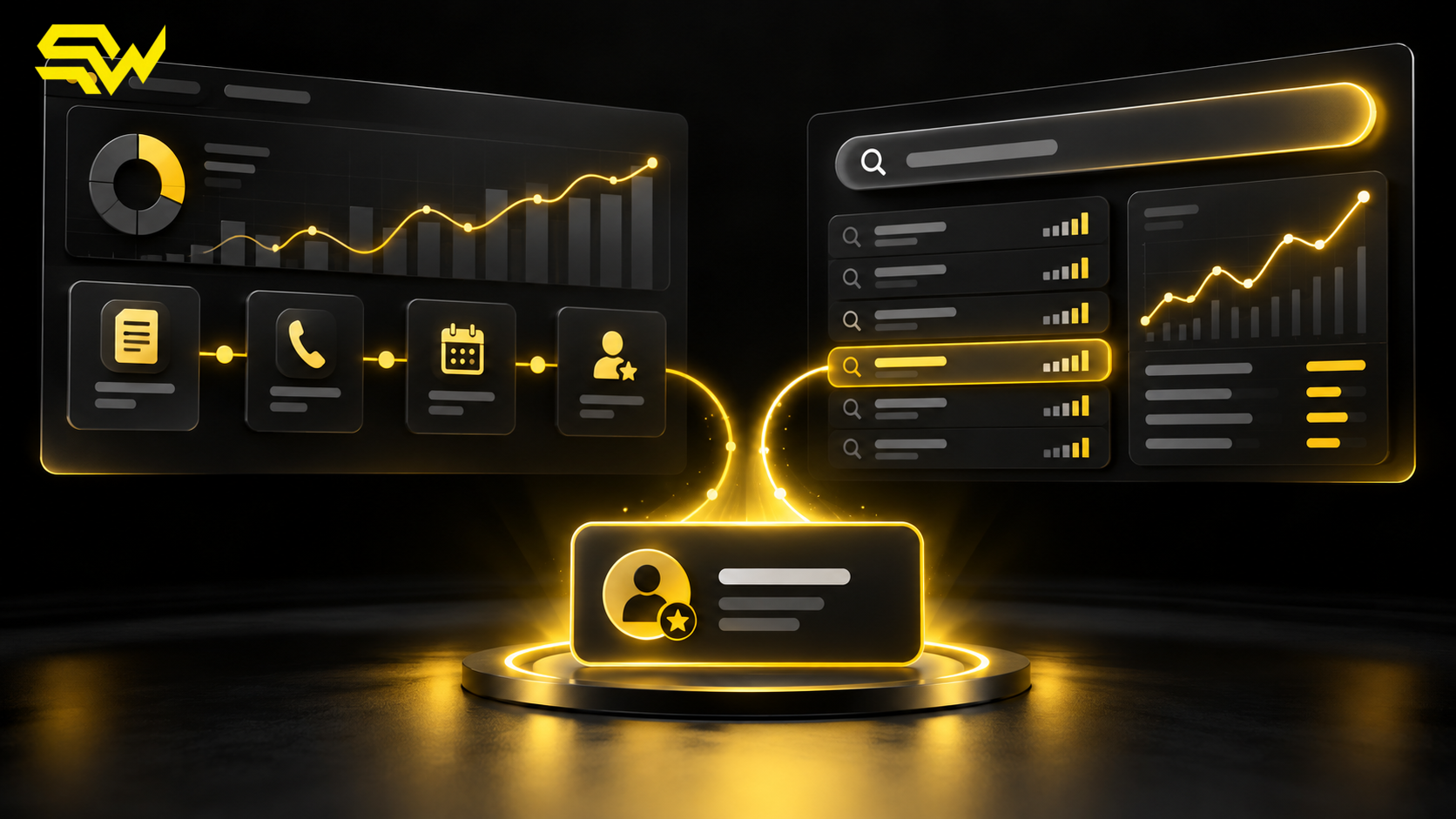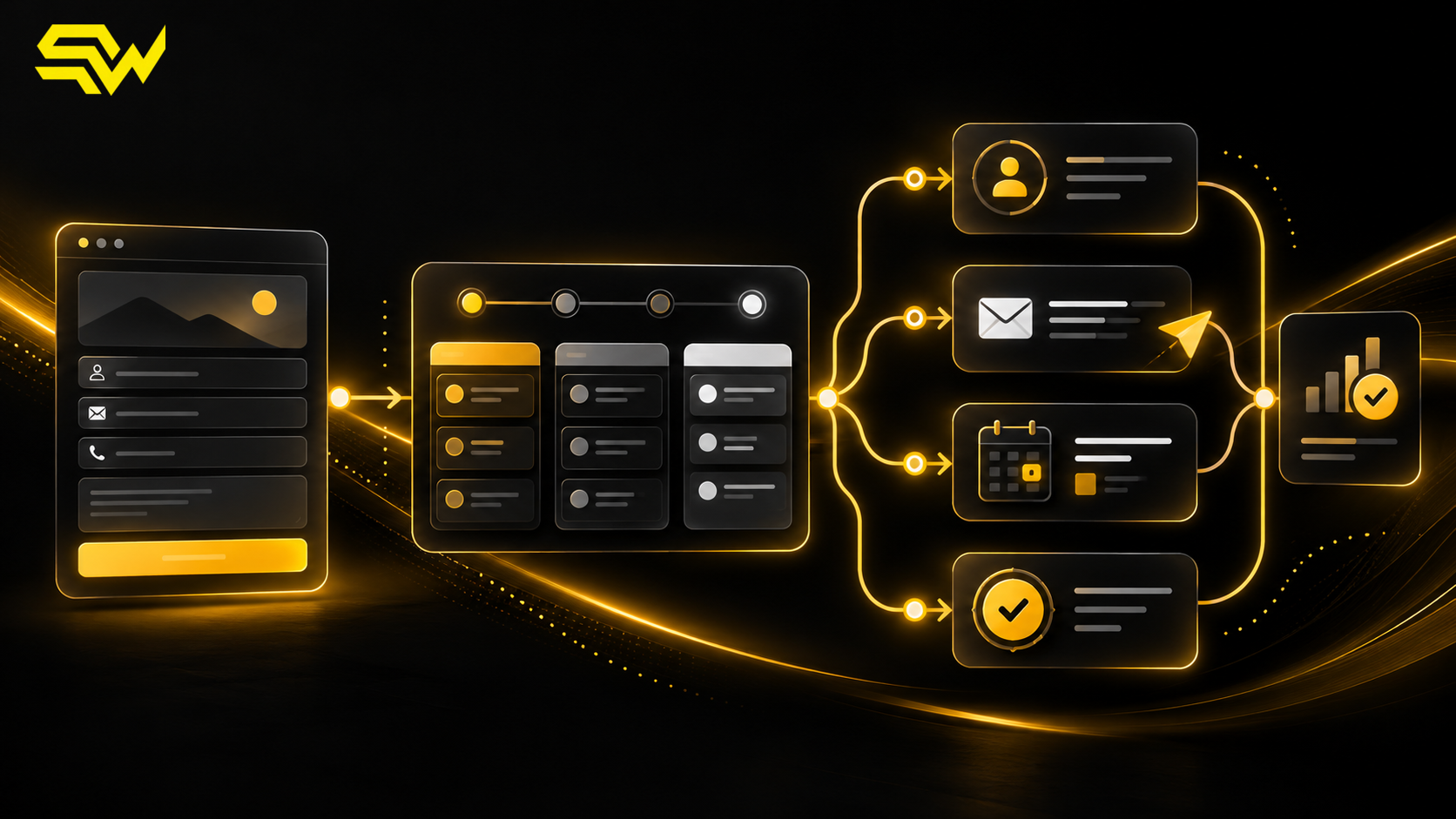
A new enquiry should not depend on someone noticing an inbox notification. For US service businesses, B2B teams and multi-location companies, the safer system is a documented CRM lead follow-up automation that captures the lead, assigns an owner, confirms receipt, creates a next action and records what happened.
Automation does not replace a thoughtful sales conversation. It removes avoidable gaps around that conversation.
This guide explains a practical workflow you can adapt to HubSpot, Pipedrive, Salesforce or another CRM. The exact buttons and plan requirements vary, but the operating logic is portable.
Start with one definition of a new lead
List every place a prospect can raise a hand:
- website contact and quote forms;
- Google, Meta or LinkedIn lead forms;
- inbound email and phone calls;
- webinar, event or downloadable-resource forms;
- chat and messaging channels;
- calendar bookings and marketplace enquiries.
Then decide which system becomes the source of truth. If a form sends an email but never creates or updates a CRM record, reporting and ownership can break as soon as volume rises.
A useful minimum record contains the contact details, company when relevant, source, campaign identifiers when available, enquiry time, requested service, consent information and assigned owner. Capture only information you have a legitimate business reason to use, and align forms, messaging and retention with applicable privacy and communications requirements.
Platform evidence supports the trigger-and-action model. HubSpot's official workflow documentation, updated September 25, 2026, gives form submission followed by an email and owner assignment as an example workflow. Its enrollment-trigger guidance explains that records can enter through events, filters, schedules or webhooks, with re-enrollment controlled separately. Pipedrive's automation conditions documentation, updated September 3, 2026, similarly describes triggers, conditions and branching logic.
Those are product capabilities, not a reason to automate every possible path. Our recommendation is to start with the highest-volume enquiry source and one clearly owned pipeline.
Build the first-response workflow in five stages
1. Capture and deduplicate
Create or update the CRM record immediately after a valid submission. Match on a stable field such as email address, and define how the system should treat shared addresses, repeat enquiries and multiple locations.
Preserve original source data before later actions overwrite it. For paid campaigns, keep useful click IDs and UTM parameters where the platform, consent setup and CRM support them. This makes later qualification and revenue feedback more reliable.
2. Route the lead to a real owner
Assignment rules should reflect how the business actually sells. Common inputs include ZIP code or territory, service line, company size, account ownership, language, availability and current workload.
Every route needs a fallback. If a territory is blank, a salesperson is unavailable or an integration fails, send the record to a monitored queue and create an alert. “Unassigned” should be a temporary exception, not a pipeline stage.
For a hypothetical US commercial HVAC company, a request from Dallas about planned maintenance might go to the North Texas account team, while an emergency-service request goes to the dispatch queue. The routing logic is operational; the confirmation message should never promise a response time the team cannot consistently meet.
3. Confirm receipt without pretending it is personal
An immediate acknowledgement can confirm that the enquiry was received, restate the requested service and explain the next step. It can also offer a scheduling link when booking is appropriate.
Keep automated messages accurate and identifiable. Avoid “I reviewed your request” unless a person actually did. For SMS or marketing email, respect the prospect's permission, purpose and opt-out status. A transactional acknowledgement is not blanket consent for a promotional sequence.
Calendly's official developer documentation states that scheduling events can trigger workflows through webhooks. If a booking tool feeds the CRM, update the same record and suppress reminders designed for people who have already booked.
4. Create the human task
The CRM should give the owner enough context to act: enquiry summary, source, important form answers, previous interactions and the promised next step. Create a task with a realistic due time based on staffed hours and lead type.
Use business-hours rules where the CRM supports them, and publish expectations that match actual coverage. A Friday-night enquiry should not silently breach an internal weekday target because a workflow treated every hour as staffed.
5. Stop, branch or escalate based on behavior
A reliable workflow changes when the lead replies, books, is disqualified or becomes an opportunity. It should not keep sending the same “just checking in” message after a conversation begins.
Recommended branches include:
| Lead state | Next automated action | Human responsibility |
|---|---|---|
| Replied or booked | Stop generic reminders; update status | Prepare for the conversation |
| No response | Create a measured follow-up task | Decide whether another attempt is useful |
| Invalid or duplicate | Suppress outreach; record the reason | Review exceptions |
| Qualified | Move to the appropriate stage | Confirm need, fit and next step |
| Unassigned or integration failed | Alert a monitored queue | Resolve ownership promptly |
Measure the workflow beyond the first email
Do not judge lead automation only by delivery or open rate. Track whether each enquiry becomes assigned, contacted, booked, qualified, proposed, won or lost. Record loss and disqualification reasons consistently enough to support decisions.
Google Analytics recommends a lead-generation event set that includes generate_lead, working_lead, qualify_lead, disqualify_lead and closed-lead events. These events are not collected automatically; Google's recommended-events documentation says they require implementation and the prescribed context.
Use website analytics for acquisition and behavior, the CRM for sales status, and finance or fulfillment records for actual business outcomes. Our GA4 lead tracking guide explains the web-measurement layer. If Google Ads is a major source, the offline conversion tracking guide shows how qualified outcomes can be returned to advertising systems. Teams using instant forms should also review the Meta Lead Ads and CRM guide.
Test failure paths before switching it on
Run test records through every important branch. HubSpot's workflow testing guidance, updated August 3, 2026, describes checking enrollment criteria and previewing which branch a record will take. Regardless of CRM, test with more than a perfect form submission.
Include:
- a returning contact who already exists;
- missing territory or service information;
- an owner who is unavailable;
- a booking, reply and opt-out;
- a duplicate submission;
- an integration error;
- a qualified and a disqualified outcome.
Monitor execution history after launch. CRM plan limits, permissions, connector behavior, duplicate rules and communication requirements differ, so treat this architecture as a design framework rather than a copy-and-paste configuration.
A practical implementation order
- Map sources, fields, owners and acceptable follow-up windows.
- Connect one priority source to the CRM and preserve attribution data.
- Add assignment, fallback and acknowledgement steps.
- Create the human task and stop conditions.
- Add qualification stages and outcome reporting.
- Test edge cases, publish, then review failures weekly.
The practical takeaway is simple: automate the handoff, not the relationship. A good workflow makes ownership visible, keeps messages truthful and gives marketing evidence about which leads become business.
You can build a free marketing action plan with three priority improvements, recommended channels and practical next steps, plus a free consultation.
Want to connect your forms, ads and CRM into a dependable follow-up process? Discuss CRM automation and lead-generation measurement with SW SOFTTECH. Bring your current lead sources, CRM, routing rules and follow-up bottlenecks so the consultation can focus on the most useful next step.
Primary product documentation checked October 14, 2026. Features, plan requirements and interface labels can change. The recommendations above do not guarantee lead volume, response rates or sales performance.