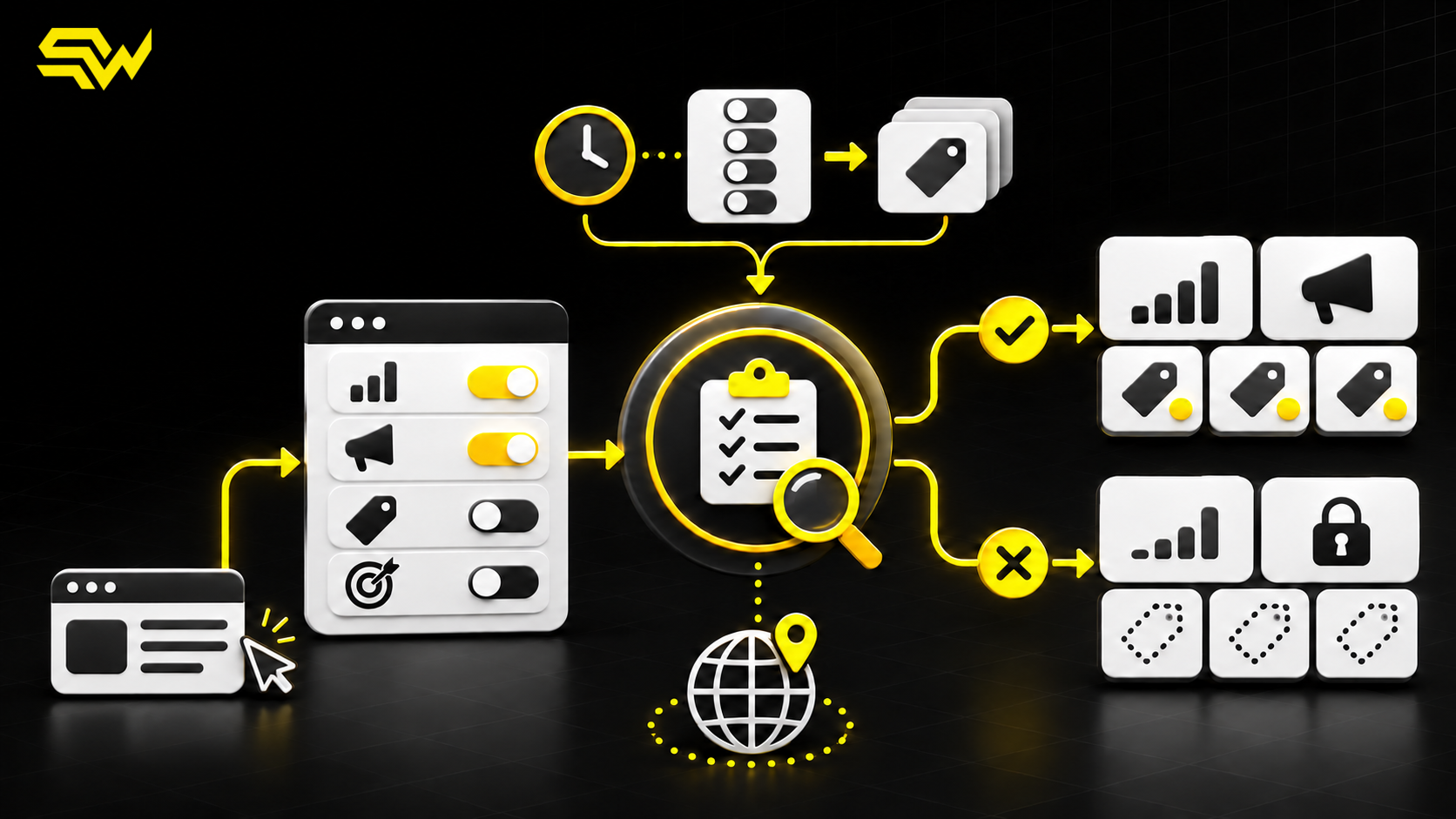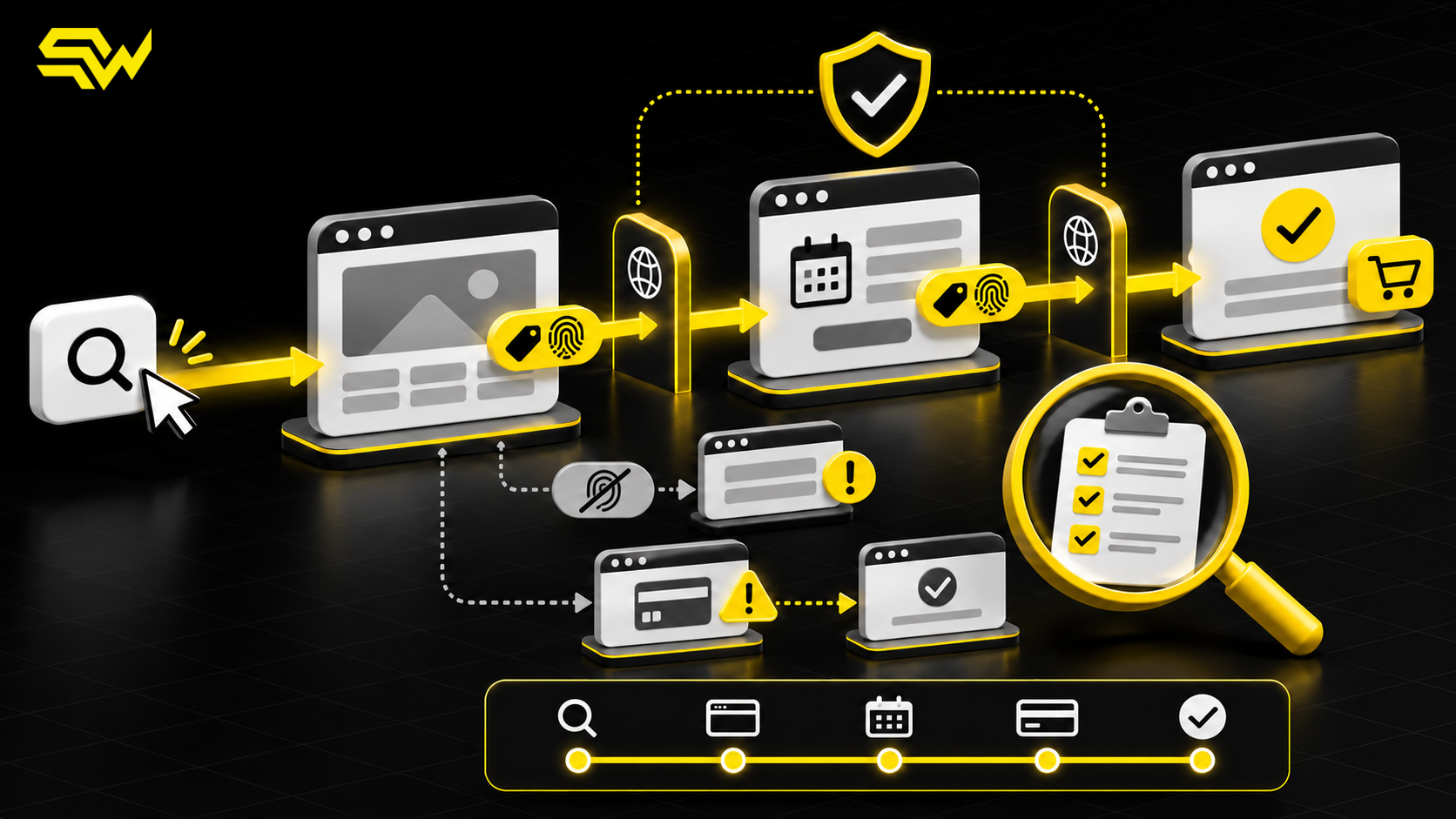
Your store can record a paid order while Google Analytics 4 reports no revenue, too much revenue, or a purchase with no useful product detail. That mismatch is not just a reporting annoyance. It can influence which campaigns receive budget, which products appear profitable, and whether automated bidding learns from the right outcomes.
For US eCommerce businesses, the practical takeaway is simple: treat GA4 purchase tracking as a data contract between the storefront, checkout, tag manager and analytics—not as a single thank-you-page tag. Audit the complete order payload before using GA4 revenue to scale paid campaigns.
What GA4 needs from an eCommerce purchase
Google defines purchase as a recommended eCommerce event with three essential pieces: a unique transaction_id, an items array, and correctly formatted monetary values. The full GA4 recommended-events reference states that currency is required when value is supplied and that the transaction ID helps prevent duplicate purchase events.
This is documented platform behavior. GA4 only receives the order when the implementation sends the appropriate event and parameters.
Begin with one real order and trace every field through the data layer, Google tag or Tag Manager, DebugView and processed report. A settings screenshot cannot prove the live payload is correct.
Audit the transaction ID first
A transaction ID should be a unique, stable order identifier—not a page URL, timestamp shared by multiple orders, customer email or hard-coded placeholder. Google's transaction-ID guidance says GA4 deduplicates purchase events with the same transaction ID. It also warns that an empty string can cause all purchase events carrying that empty value to be treated as duplicates.
Check four conditions:
- every completed order sends a transaction ID;
- two different orders never share the same ID;
- a confirmation-page refresh does not create a new ID;
- the ID contains no information that identifies the customer.
For example, ORDER-10482 can be appropriate when it is the store's unique order reference. A static value such as ORDER will undercount sales, while a newly generated random ID on each page load can create duplicates.
Evidence: GA4 uses repeated transaction IDs to deduplicate purchases. Recommendation: compare a sample of GA4 IDs with the commerce platform's order IDs each week, especially after theme, checkout or tag-manager changes.
Separate event revenue from item revenue
GA4 calculates different metrics from different parameters. Google's missing-revenue troubleshooting guide explains that event-level revenue uses value and currency, while item-level revenue depends on item price, quantity and the event currency.
For the purchase event, Google specifies value as the sum of item price multiplied by quantity. Tax and shipping should be sent in their own parameters rather than included in that item-value calculation. Currency should use the three-letter ISO 4217 format, such as USD.
Common failures include:
- sending
"$99.00"as text instead of the number99.00; - sending
valuebut omittingcurrency; - including tax and shipping in both
valueand their separate fields; - sending the discounted order total with full-price item values;
- mixing USD and another currency without a reliable currency field.
Do not fix a revenue gap by manually inflating one parameter until the total looks right. Reconcile the calculation against the actual order components.
Inspect the items array
The items array supports product-level reporting. Google's eCommerce measurement guide shows item fields such as item_id, item_name, price, quantity, item_variant, item_brand, category and coupon.
At minimum, confirm that every purchased line item has a consistent product identifier or name, numeric price and correct quantity. Then sample the cases that commonly break:
Variants and bundles
A medium blue shirt and a large black shirt should not become an indistinguishable product if variant reporting matters. A bundle should not be counted as both one bundle and all component products unless that is the deliberate measurement design.
Discounts and coupons
Event-level and item-level coupon parameters are independent. Decide whether the code applies to the whole order or particular items, then verify the values reflect the actual checkout.
Multiple quantities
An order containing three units should send quantity three—not three duplicated item rows unless your implementation intentionally models them that way.
Google's Ecommerce purchases report documentation confirms that item revenue comes from item price multiplied by quantity. Incorrect item arrays can therefore leave total purchase revenue looking plausible while product reports remain wrong.
Make sure purchase fires once, at the right moment
The safest trigger is a confirmed successful order, not a click on “Pay now.” A payment attempt can fail, be abandoned, or require another step. A confirmation page can also reload, and several integrations can send the same purchase: a commerce app, a hard-coded tag, Google Tag Manager and a server-side connection.
Recommendation: map the event path and identify the system responsible for sending purchase. Disable redundant senders only after confirming the authoritative source. If browser and server events are both intentional, ensure they share the transaction ID.
Test direct checkout, paid-ad traffic, an approved discount, a failed payment, a confirmation-page refresh and a returning customer. One successful test order is not enough to validate the edge cases.
Send refunds back to GA4
Revenue reporting becomes overstated when purchases enter GA4 but refunds never do. Google supports full and partial refunds through the refund event. Its eCommerce setup guidance says partial refunds should include the refunded items, and Google's developer guide recommends item information for item-level refund metrics.
Reuse the original transaction ID. For a partial refund, send the affected item identifiers and quantities rather than reversing the entire order. Also decide how cancellations, exchanges, store credit and chargebacks should be represented; not every operational adjustment is identical to a refund.
This is a material limitation: GA4 will not become an accounting ledger. Your commerce platform and payment processor remain the systems to use for financial reconciliation.
Run an end-to-end audit
Use a small, controlled test matrix:
- one full-price single-item order;
- one multi-item order with different quantities;
- one discount-code order;
- one shipping and tax scenario;
- one confirmation-page refresh;
- one failed or abandoned payment; and
- one partial refund.
Check the live event in Tag Assistant or DebugView, then allow processing time before evaluating standard reports. Google's setup documentation notes that report data can take about 24 hours to appear.
Compare GA4 with the order system by transaction ID, not only by daily totals. Document expected differences caused by consent choices, ad blockers, time zones, currency conversion, canceled orders and delayed refunds. A perfect match is not always realistic, but unexplained gaps should not be accepted as normal.
If checkout happens on another domain, review the GA4 cross-domain tracking audit so campaign identity is not lost before purchase. Product-data accuracy also matters: the Google Shopping product feed audit covers identifiers, variants, price and availability before ad traffic reaches the store.
Turn accurate tracking into a better budget decision
Once purchase, item and refund data are reliable, evaluate campaigns against contribution margin—not revenue alone. Product costs, shipping subsidies, payment fees, returns and discounts can change which sales are commercially valuable. GA4 can support that analysis, but it cannot replace the underlying financial data or prove incrementality by itself.
Use SW SOFTTECH's free marketing action-plan builder to receive three priority improvements, recommended channels, practical next steps and a free consultation. You can also review the eCommerce and marketplace marketing service.
If GA4 revenue does not match your store or paid campaigns are optimizing toward unreliable purchase data, discuss an eCommerce tracking and conversion-measurement audit with SW SOFTTECH.